Scan documents.
Chat with them too.
Scanly turns your camera into a fast, secure document scanner — crop, sign, protect, and organize PDFs in seconds. Then ask your documents questions directly, powered by AI.
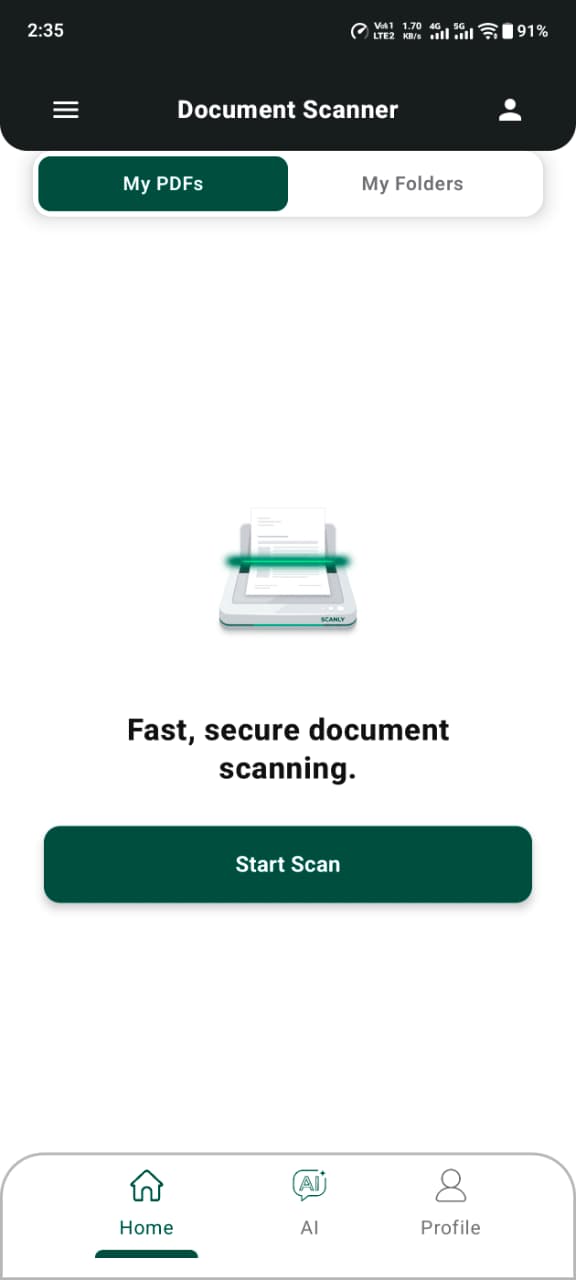
Everything you need, nothing you don't
A complete document toolkit that stays out of your way.
Scan & Auto-Crop
Capture documents and ID cards with your camera — edges are detected and cropped automatically.
Split & Rearrange
Reorder pages or split a scan into separate documents, right from your phone.
E-Sign
Add your signature to any document without printing a thing.
OCR Text Recognition
Pull selectable, searchable text out of any scanned page.
Password Protection
Lock sensitive PDFs with a password before you share them.
Compress & Print
Shrink file sizes for easy sharing, or send straight to a printer.
Folders
Keep scans organized in folders instead of one long list.
Private by Default
Your scans stay on your device unless you choose to use AI Chat.
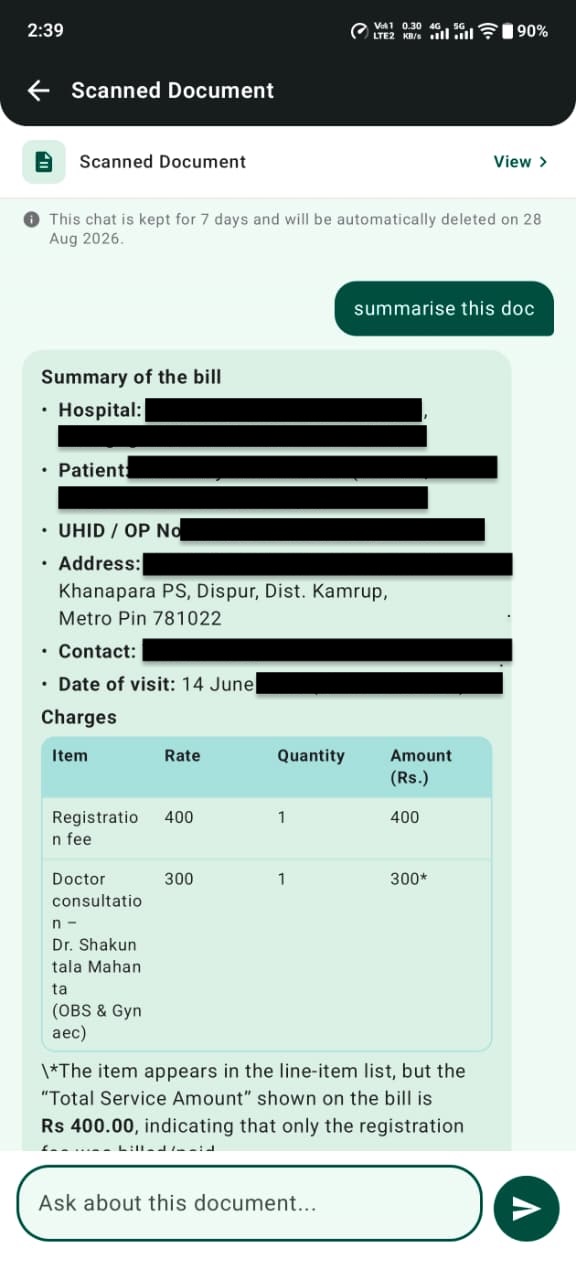
Ask your documents anything
Pick any scanned document and start a conversation. Scanly reads it, understands it, and answers your questions using only what's actually in the document — no guessing, no outside information.
- Sign in securely with your Google account
- Try it free, then continue with a simple subscription
- Chat history and document data are automatically cleaned up
See it in action
A closer look at scanning, signing, and organizing.
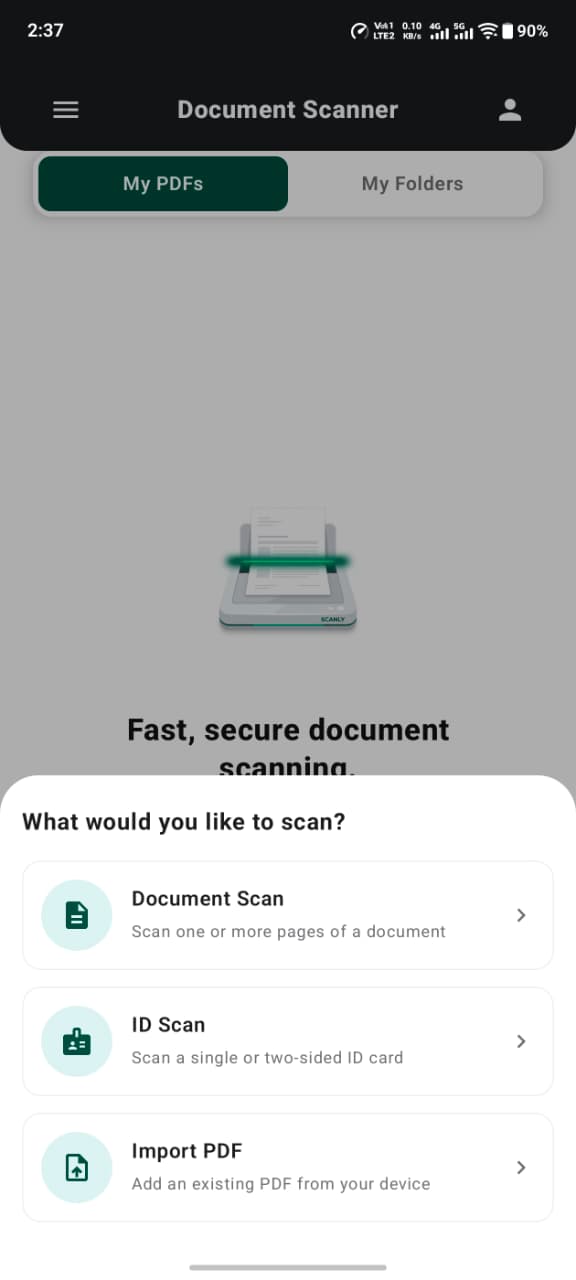
Scan documents or ID cards
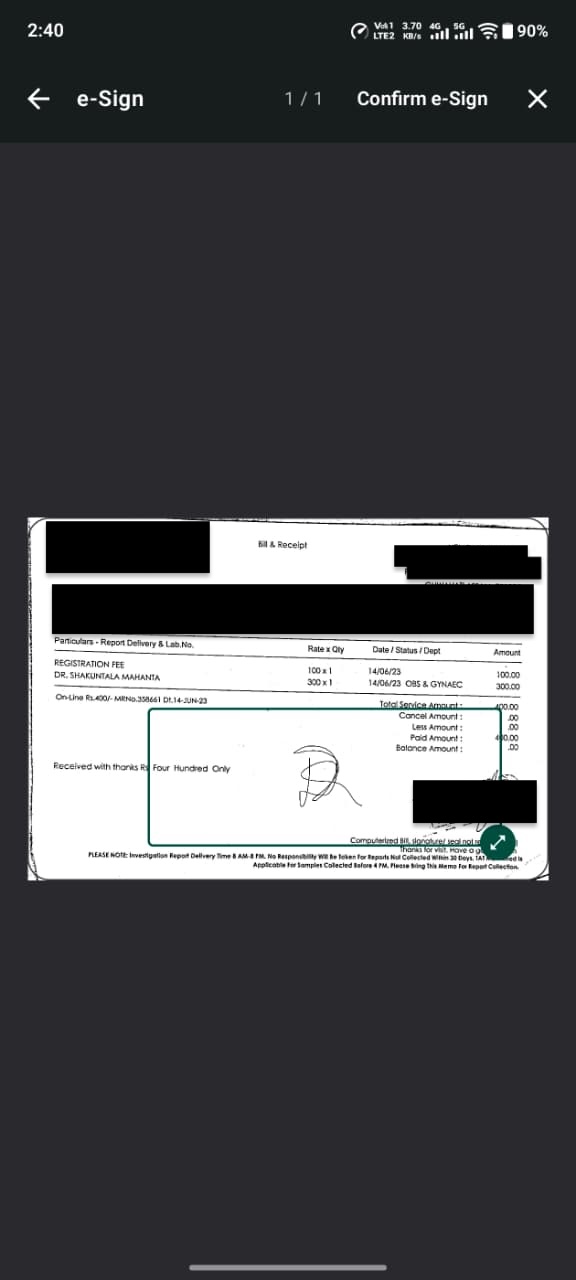
Sign documents in place
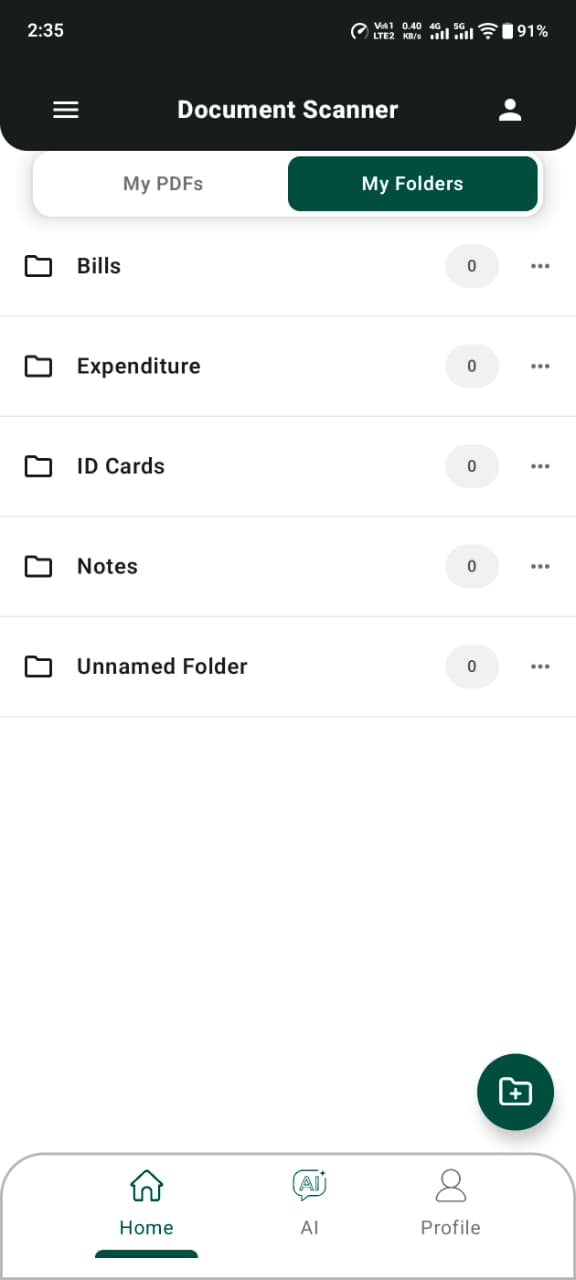
Keep everything organized
Scanly is available now
Download Scanly on Google Play and start scanning in seconds.
Get it on Google Play